
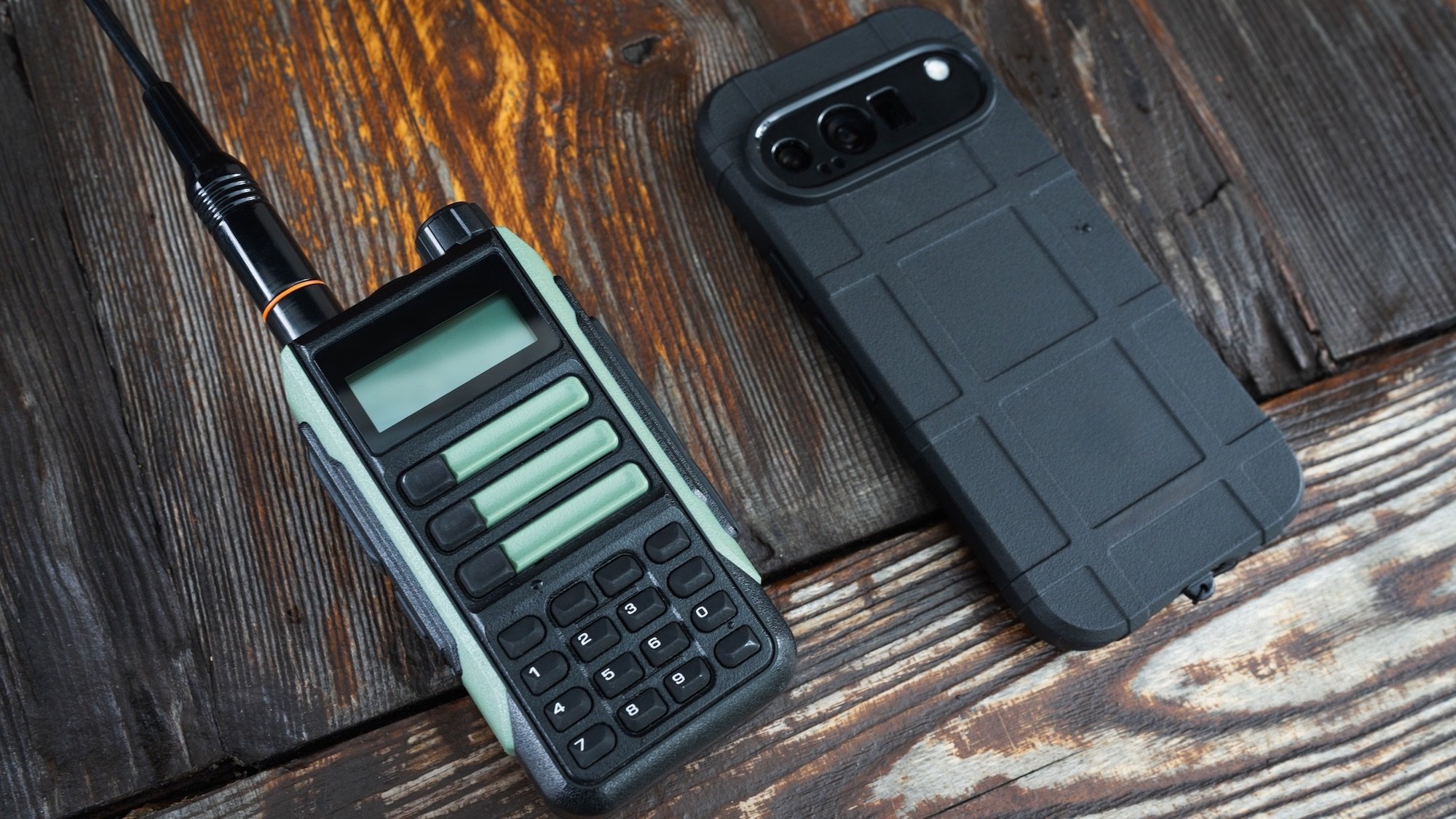
You probably don’t need reminding about our intense reliance on our phones for communication—so what happens when the networks that those phones rely on go down? Power and tech outages continue to cause disruptions, and that can leave you stuck when it comes to staying in touch with others.
There are options available to you though, both in terms of what you can do on your phone, and what you can use instead of it. You’ll need to make sure the people you’re chatting with have set up the same options, so it’s worth mentioning at the next family or friends gathering.
Power outages can be different in scope and type, but for the purposes of this guide we’ll imagine a localized power grid collapse that has knocked out your Wi-Fi router and your local cell tower—but not a global shutdown that’s taken out all infrastructure, including the ground stations communicating with satellites in orbit.
How to communicate with your phone during an outage
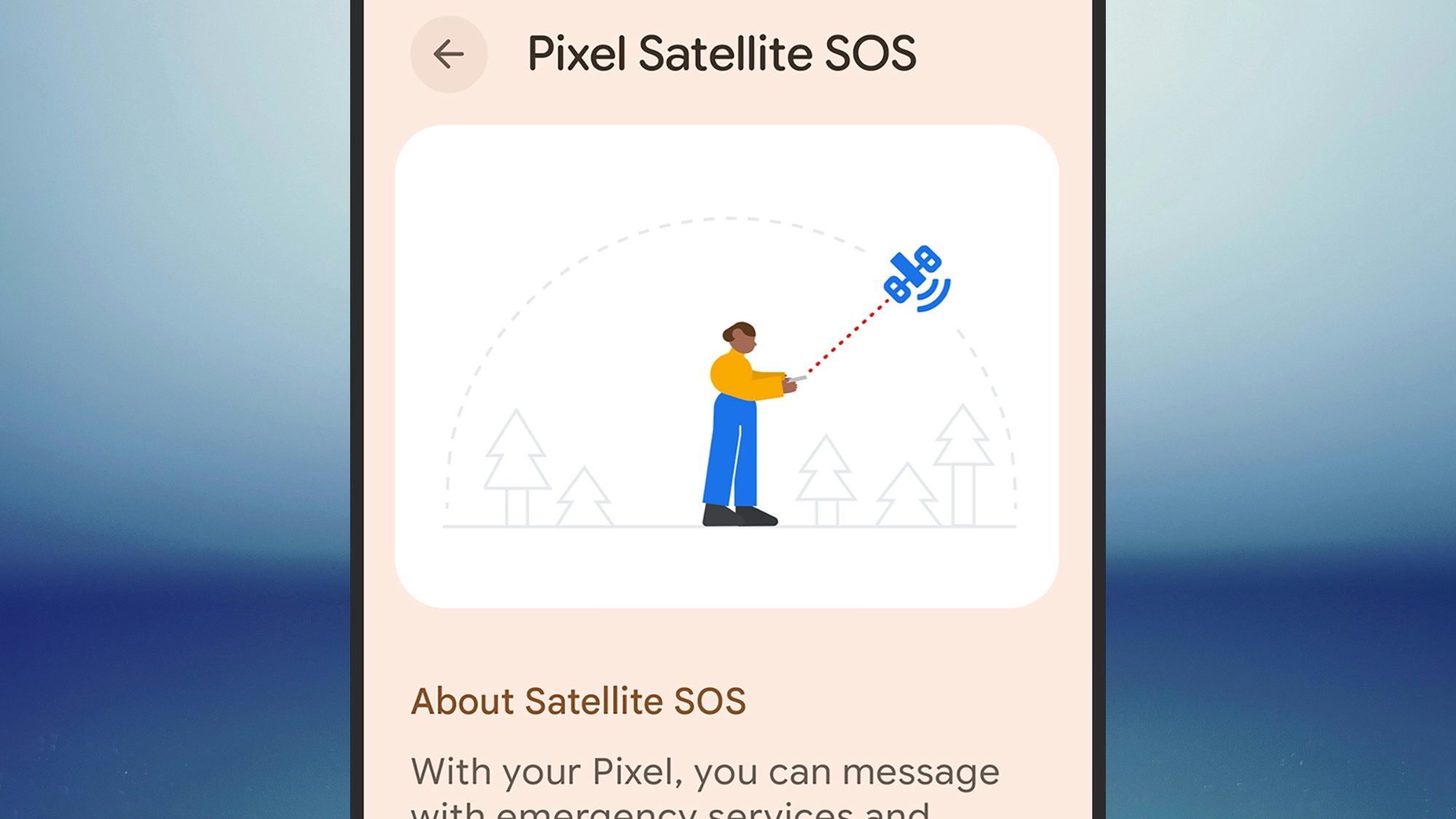
If you’ve acquired a phone from Apple, Samsung, or Google in the last two or three years, it comes with satellite communications built in, so you can still text friends and family if the cell towers go out (calling isn’t an option, due to bandwidth). The feature should kick in automatically in Messages on iOS, or in Google Messages on Android, provided your carrier supports it—you’ll just see a prompt on screen.
Follow the instructions to find a satellite and start texting. There’s nothing to enable or turn on, but if you want to test it out beforehand so you know it works, open Settings, then pick Apps > Messages > Satellite Connection Demo (iOS), or Safety and emergency > Satellite SOS (Android).
There is another option on your phone, which is to try a peer-to-peer messaging app. These apps need to be downloaded in advance and work over Bluetooth to send messages in a mesh created by the devices themselves. That means a limited range, but you don’t need any Wi-Fi or cellular connectivity.
One of the best apps in this category is Bridgefy, which you can get for Android and iOS. It’s free to use, simple to operate, and has a range of around 100 meters (or 330 feet). You don’t have to wait until the power goes out to use it either, because you could set up a mesh chat when you’re out camping or taking a trip with family.
Alternative devices to replace your phone for emergencies
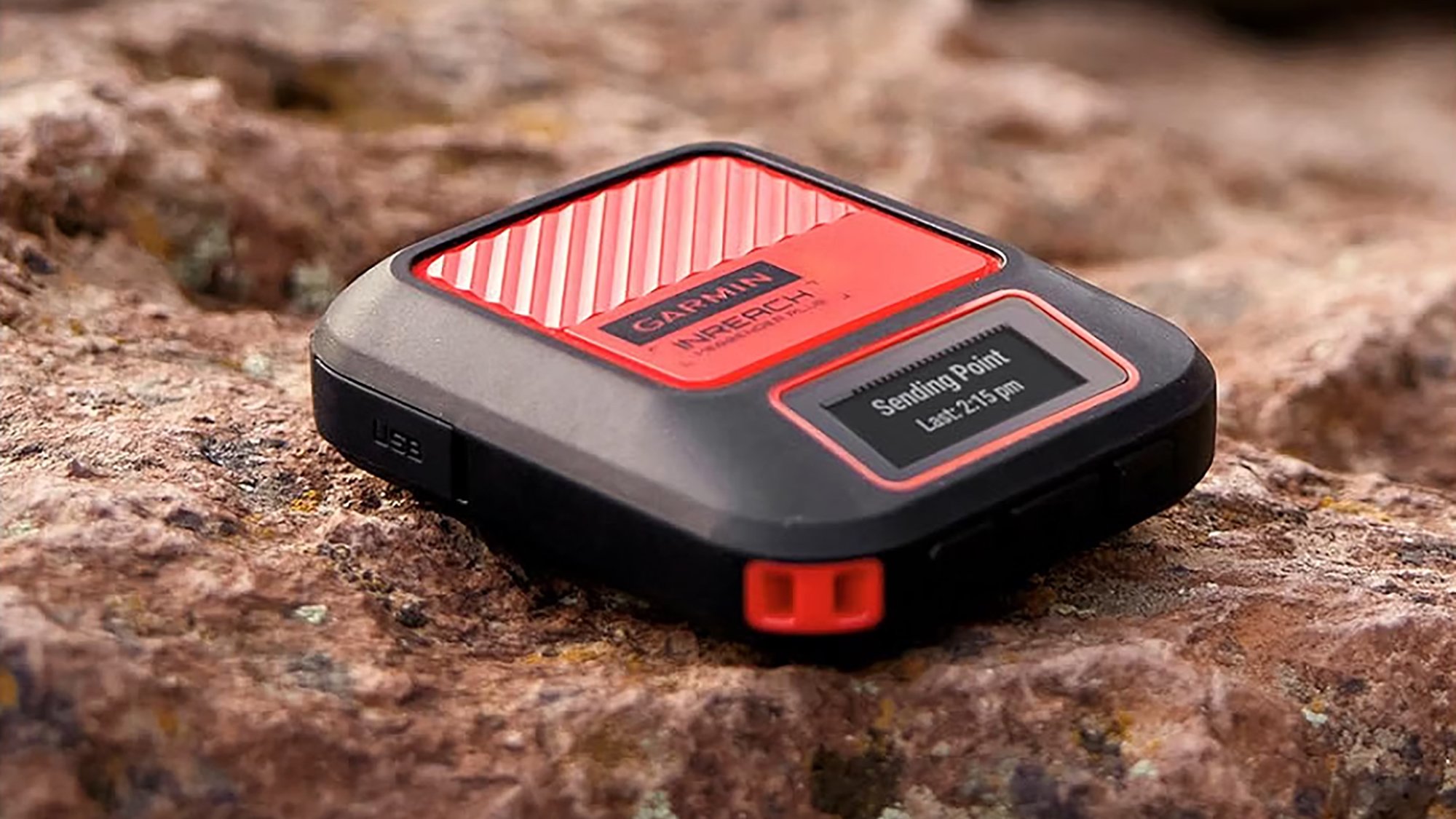
Unless you do a lot of outdoor, off-grid adventuring, you might not have realized just how many devices now exist that can keep you connected even without access to Wi-Fi or cellular networks. Some of these options work via the same satellite networks as your phone.
Have a look at the Garmin InReach Messenger Plus, for example, a $299.99 communicator you can use whenever cell networks are down (or just out of range). You’re also going to need an active subscription. They start at $7.99 a month, but once you’re set up you can connect to the wider world from just about anywhere.
Then there are the more straightforward walkie-talkie devices, which operate over radio signals across a range of a few miles. That might just be enough if you’ve got friends and family you need to contact when the power’s out. There are plenty of devices to choose between, but the Motorola T802 Talkabout is a good example and under $100 for a pair.
Don’t forget a battery-powered radio either. It won’t let you message anyone directly, but it will mean you can stay up to date with what’s happening out there in the world, and it might give you an idea of when the power’s going to come back on. You can even get models that work via solar or hand-crank power, like this $30 emergency radio.
General tech tips for a power outage
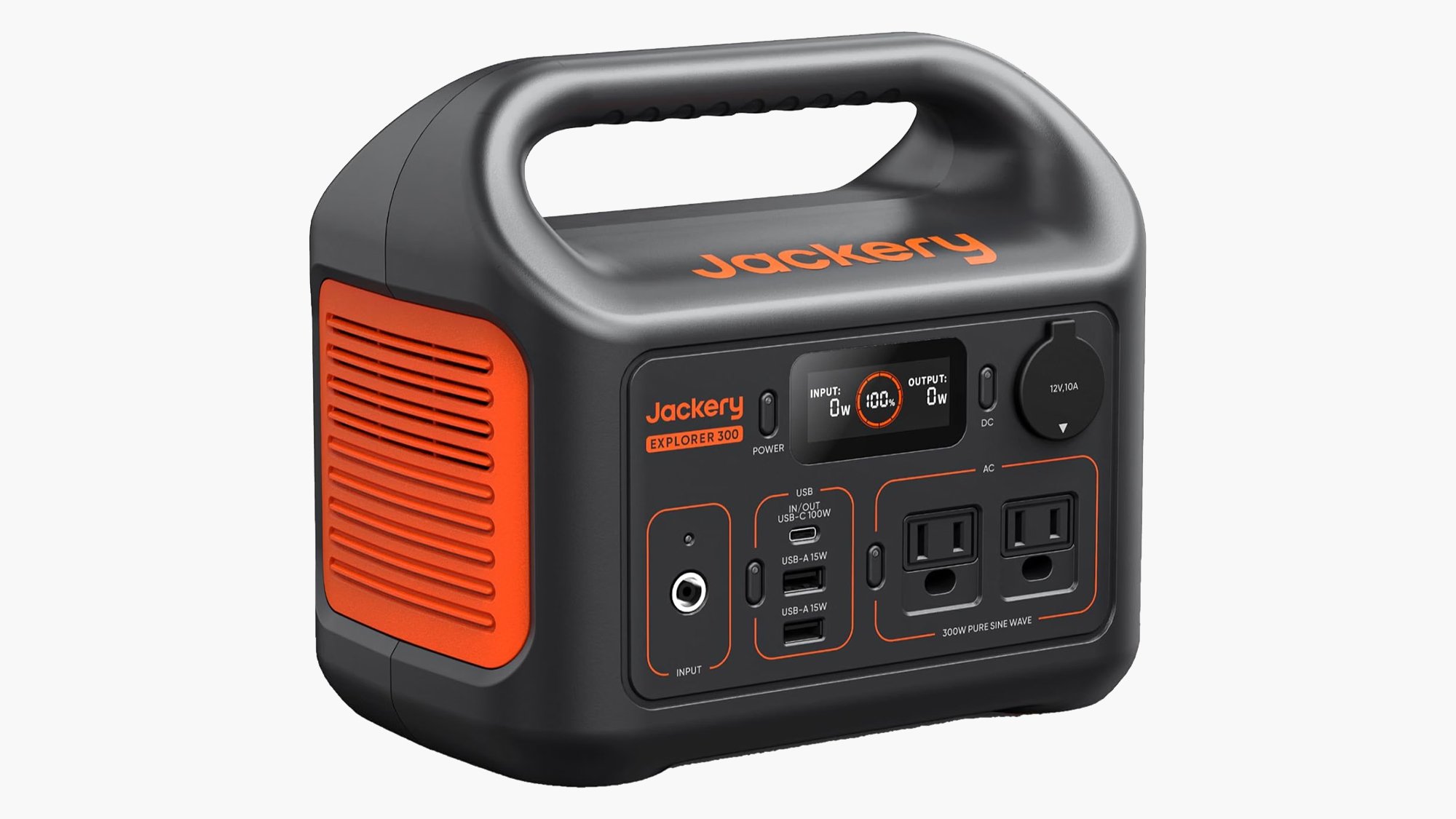
All of your phones and other devices will need power if they’re going to keep you in touch with other people—otherwise you’ll be relying on smoke signals and postal couriers. So it’s wise to invest in a portable power station ahead of time. Something like the $289 Jackery Explorer 300 would do the job.
Obviously, you’re going to want to charge up these hefty power stations before the electricity gets cut, otherwise they won’t be much use. But you’re actually not as reliant on the power grid as you might think. Many models (including those offered by Jackery) have solar panel add-ons you can invest in as well.
Even with a backup supply in place, it’s a good idea to try and conserve power on your gadgets as much as possible too. Your phones, tablets, and laptops will all have low power settings you can make use of, but there are standard tips that apply across just about every gadget. Reduce screen brightness and volume as much as possible, and enable airplane mode where you can.
When you do have power and Wi-Fi available, make sure you download as much essential info to your phone as you can, so it’s still there when an internet connection isn’t. This is particularly useful for maps: Both Google Maps (Settings > Offline maps) and Apple Maps (Profile picture > Offline maps) let you do this.
The post How to use your phone if the grid goes down appeared first on Popular Science.